 v0.2.0 · Free · macOS & Windows
Lighter photos.Exactly the same.
Fino shrinks your JPEGs by about 70% without a visible change. You choose how far it goes, and you can undo any session.
Free · no account · v0.2.0

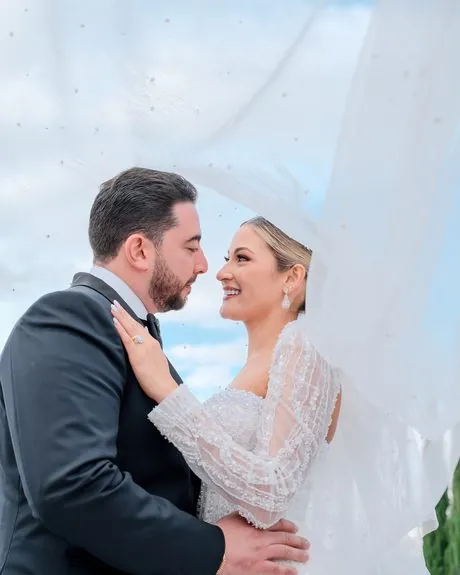
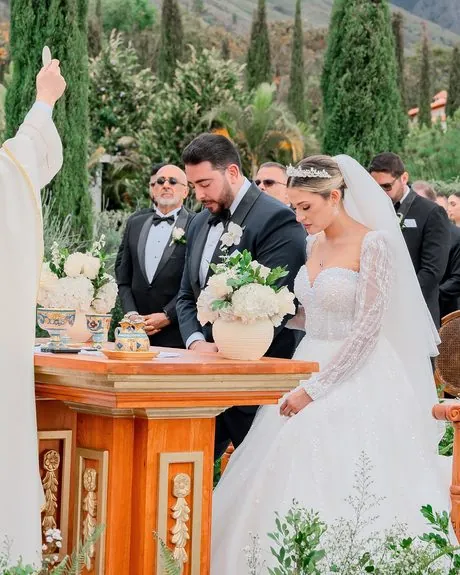
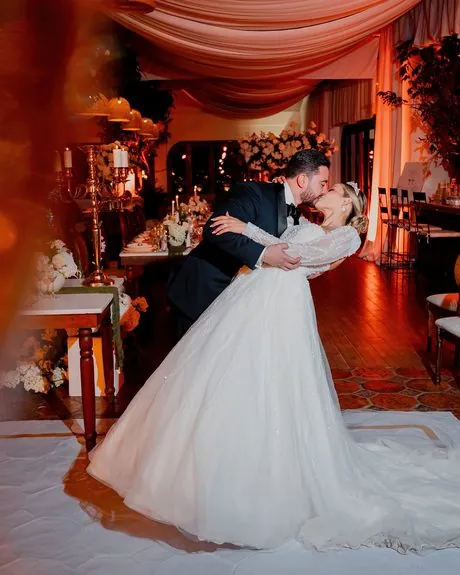
Compare
Drag the line. Find the difference.
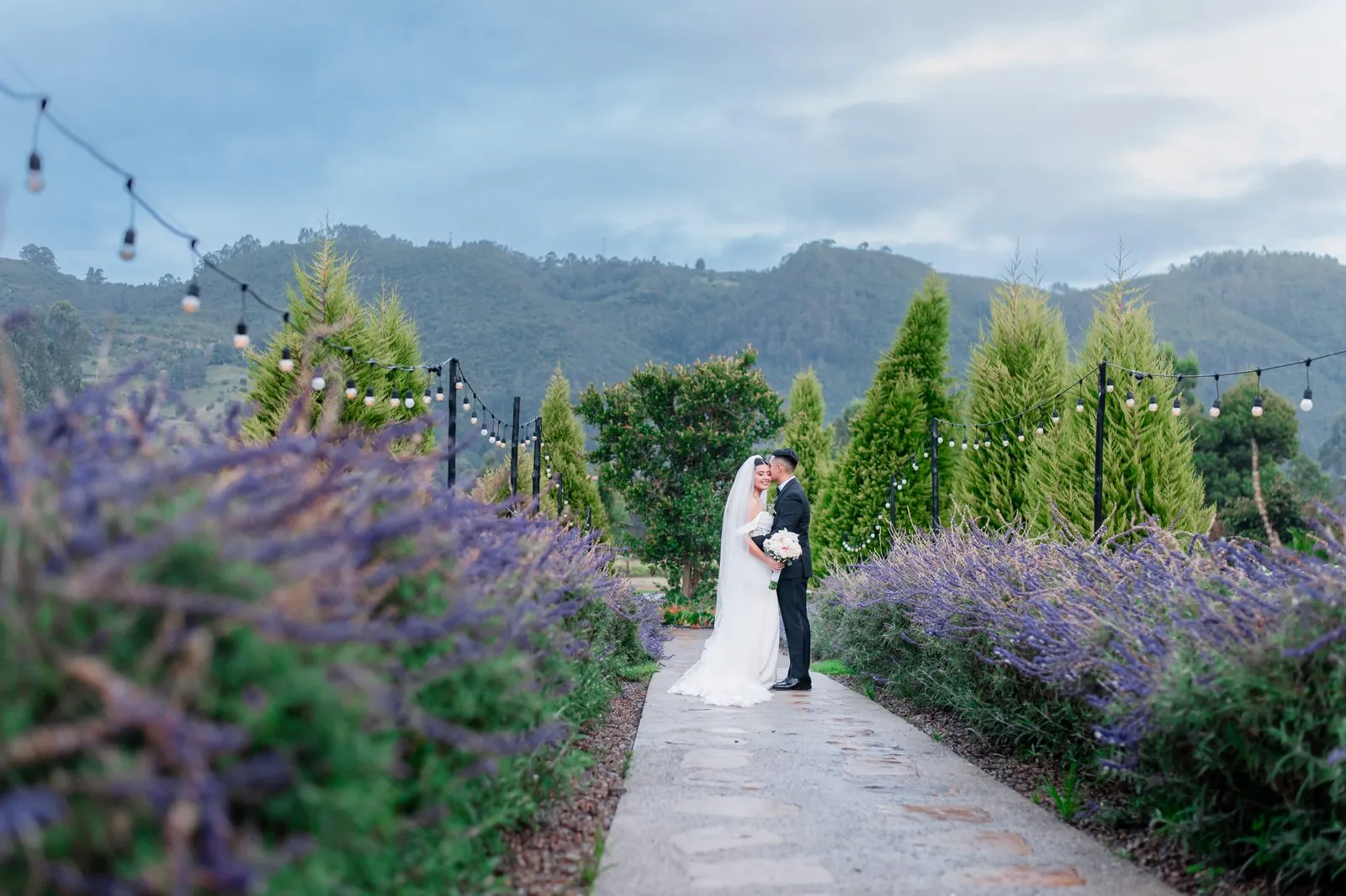
Real wedding photos at 100%, straight out of Fino.
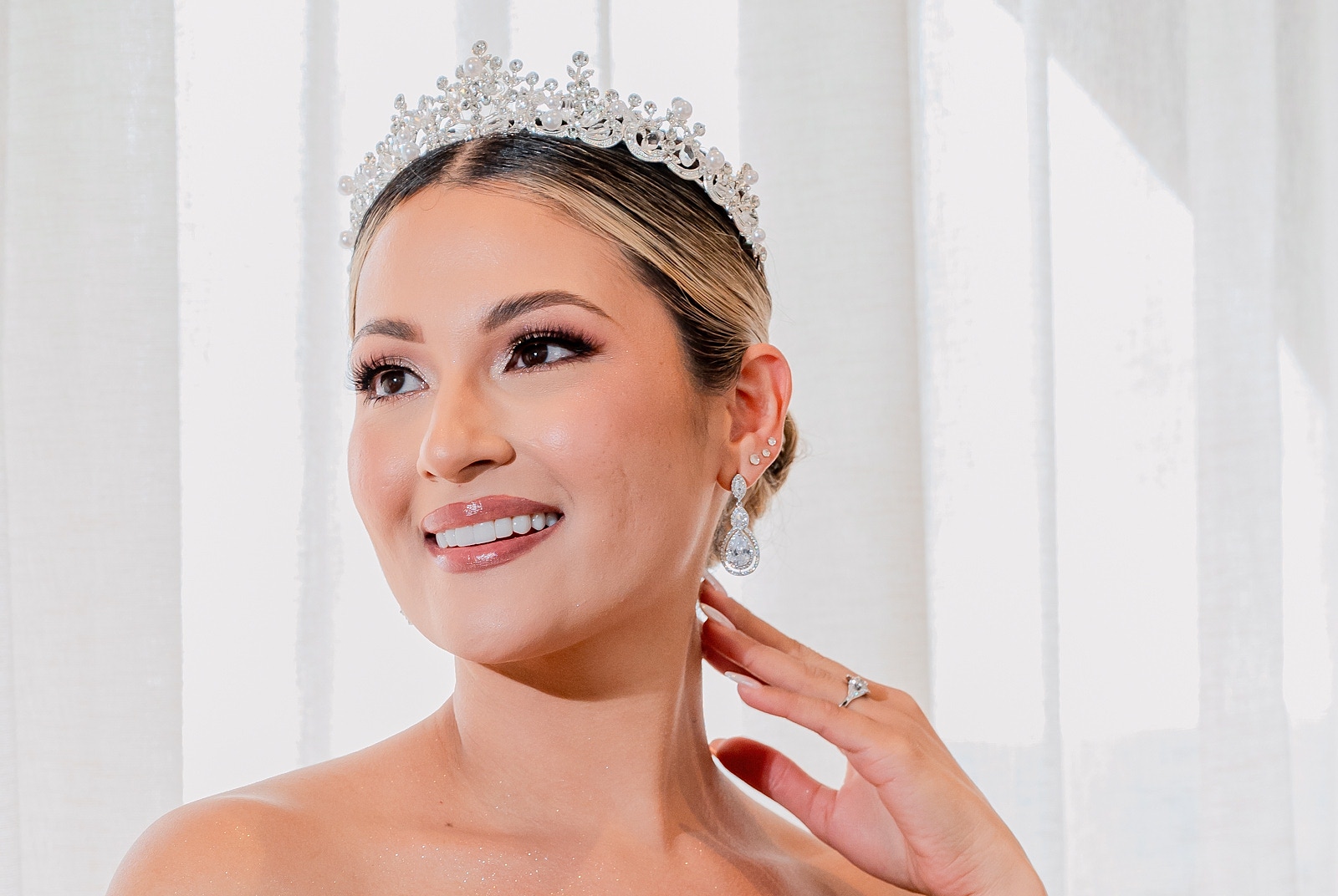
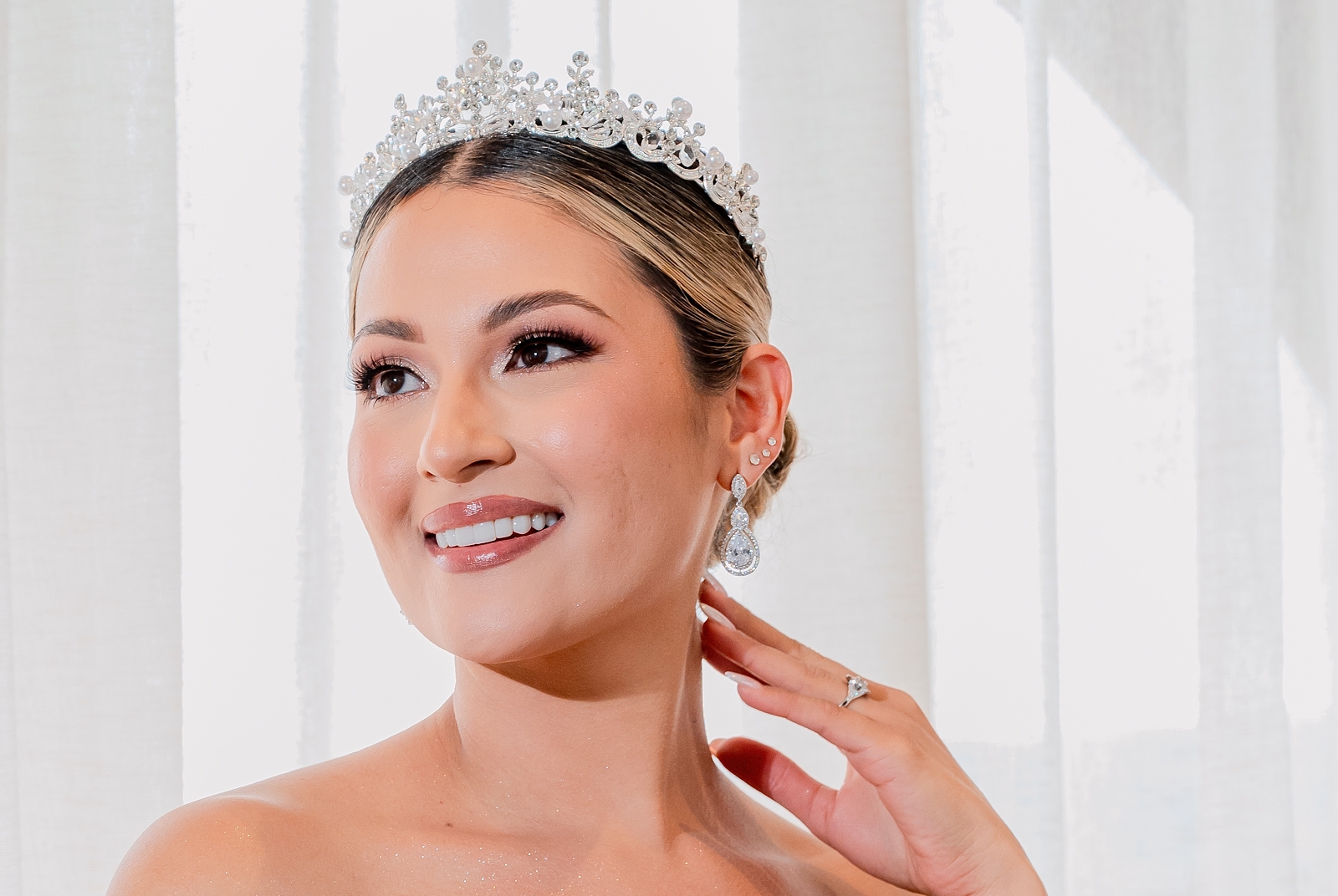 Original · 6.9 MBFino · 1.9 MB−72%
100% crops, cut losslessly — the exact pixels Fino writes, not re-encoded for this page. Photos: manueltorres.com.co
Measured on 89 camera photos (24 MP)
- less space
- −69.5%
- same 89 photos
- 511 → 156 MB
- per photo on an M1 Pro
- 0.25 s
- metadata kept, byte for byte
- 100%
The best-known competing app, on the same 89 photos: −67.4% for US$59.
How it works
It looks where your eye looks.
Most compressors score the whole photo at once. Fino also checks the worst corner of it, because that's where you'd notice.
Drop photos or whole folders.
Onto the window, the Dock icon, or the floating mini window.
Fino tries smaller and smaller versions.
Each one is compared with the original, region by region, with a perceptual metric (SSIMULACRA 2).
It keeps the smallest one you can't tell apart.
If a photo can't get at least 3% lighter, Fino leaves it exactly as it was.
You choose the strength.
Flawless
≈60%typical savingNo difference, even under a loupe.
Identical
Default≈70%typical savingLooks the same at any normal size.
Compact
≈72%typical savingThe lightest files, for web and social.
Features
Careful with your photos.
Everything Fino does can be checked, chosen or undone.
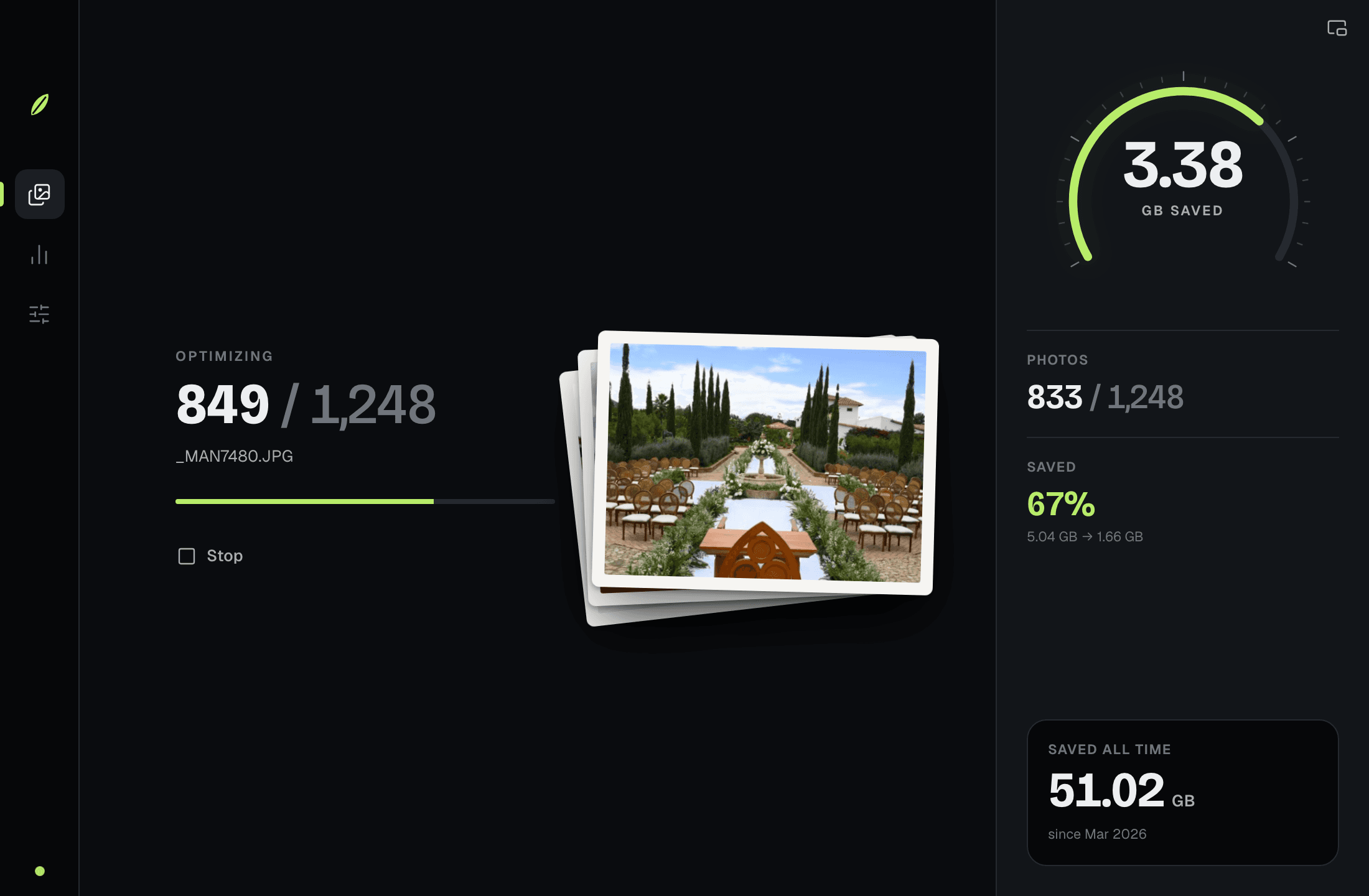
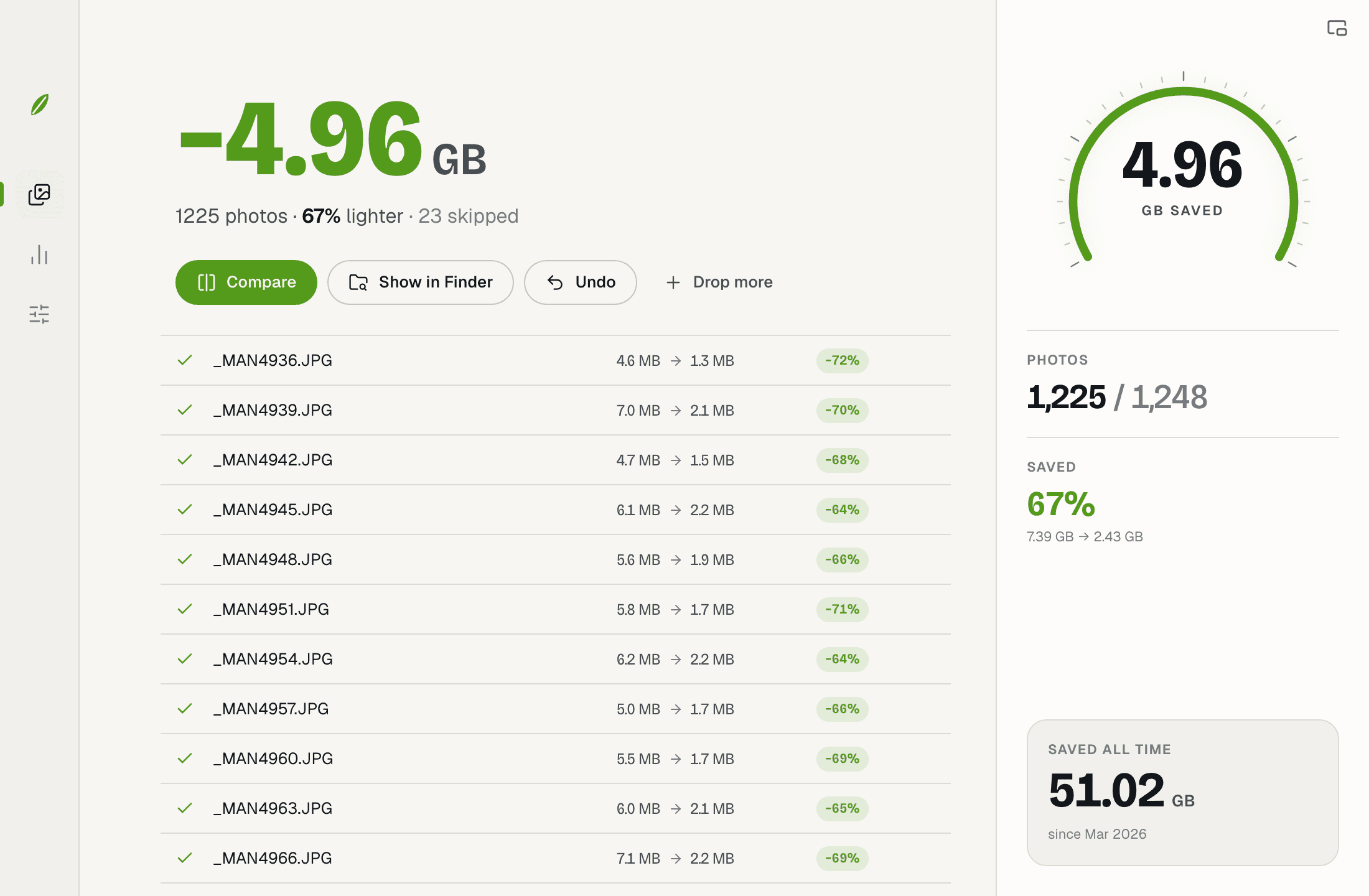
Undo a whole session
Replacing originals? Fino backs them up first and keeps them 1, 7 or 30 days. Or export a copy and never touch them.
1 d7 d30 dUndoNever worse
Under 3% saved, the file is left alone. Already-compressed photos only get a lossless pass — no second generation of loss.
Metadata, byte for byte
Camera data, captions, colour profile, dates and Finder tags stay intact.
EXIFXMPIPTCICCDatesTagsStrip GPS locationCheck it yourself
Before/after divider and a 100% loupe that follows your cursor.
Four sizes at once
Full size, gallery, web and social in one pass.
4K · 2048 · 1600 · 1080
iPhone HEIC to JPEG
Optional on macOS: about 25% lighter than the HEIC, opens everywhere.
Mini window
A small floating dial, always on top. Drop photos on it.
Works offline
Everything happens on your computer. No account, no tracking.
Download
Lighter photos, tonight.
Free for macOS and Windows. No account, no trial, no limits.
macOS
Universal · Apple Silicon and Intel
- Version
- 0.2.0
- Size
- 9.6 MB
macOS 12 Monterey or later
Download .dmgWindows
64-bit installer · no admin rights needed
- Version
- 0.2.0
- Size
- 3.8 MB
Windows 10 or 11
Download .exe
First launch: your system may warn you
Fino isn't signed by Apple yet. On macOS, open System Settings → Privacy & Security and click “Open Anyway”.
On Windows, SmartScreen may appear: click “More info”, then “Run anyway”.
FAQ
Questions
Is Fino really free?
Yes. Download it and use it with no limits, no account and no trial.
Will I see a difference?
At the default strength, no — not at any normal viewing size. Fino compares every candidate with the original region by region and keeps only the ones you can't tell apart. Choose Flawless if you inspect photos under a loupe, and use the built-in Compare view to check for yourself.
Can I undo it?
Yes. When Fino replaces originals it backs them up first, and you can undo a whole session from History. Or choose “Export a copy” and your originals are never touched.
Which formats does it support?
JPEG in, standard JPEG out — it opens in every app, browser and phone. On macOS it can also turn iPhone HEIC photos into JPEGs. PNG, WebP and RAW aren't supported yet.
Are my photos uploaded anywhere?
No. Fino runs entirely on your computer and doesn't connect to the internet at all.
Is the app in English?
Yes. Fino comes in English and Spanish and follows your computer's language; you can switch it anytime in Settings.